
QR table ordering for Sri Lankan hospitality

From scan to served.

Guests scan the code on their table, order from your live menu and follow it to the table. Your kitchen sees every ticket the moment it is placed. No app to install, no card details, no commission.

Monthly from Rs 4,500Prices in LKRSet up in an afternoon
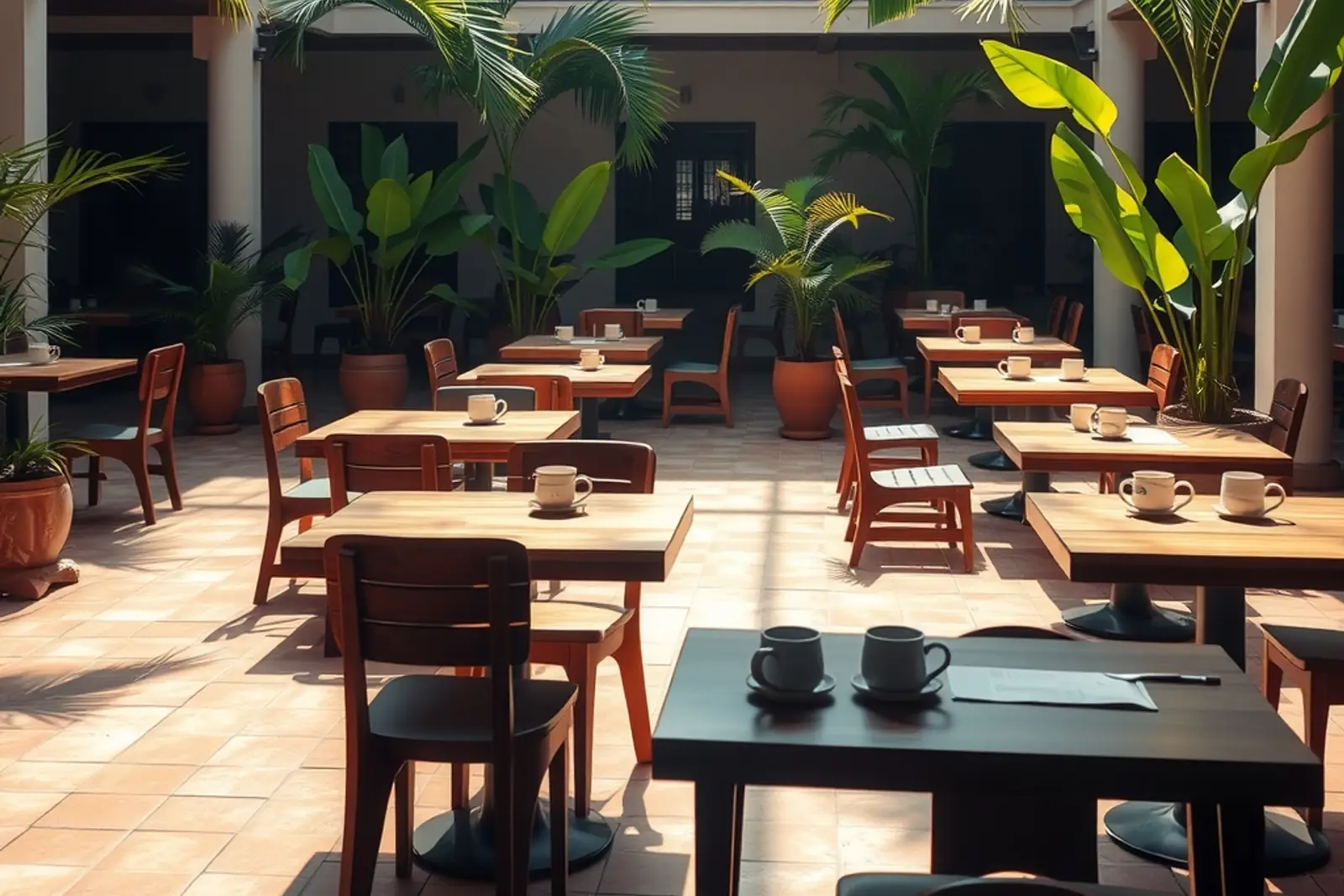
Sunlit courtyard café with wooden tables and palms
Illustrative venue

Food your guests order

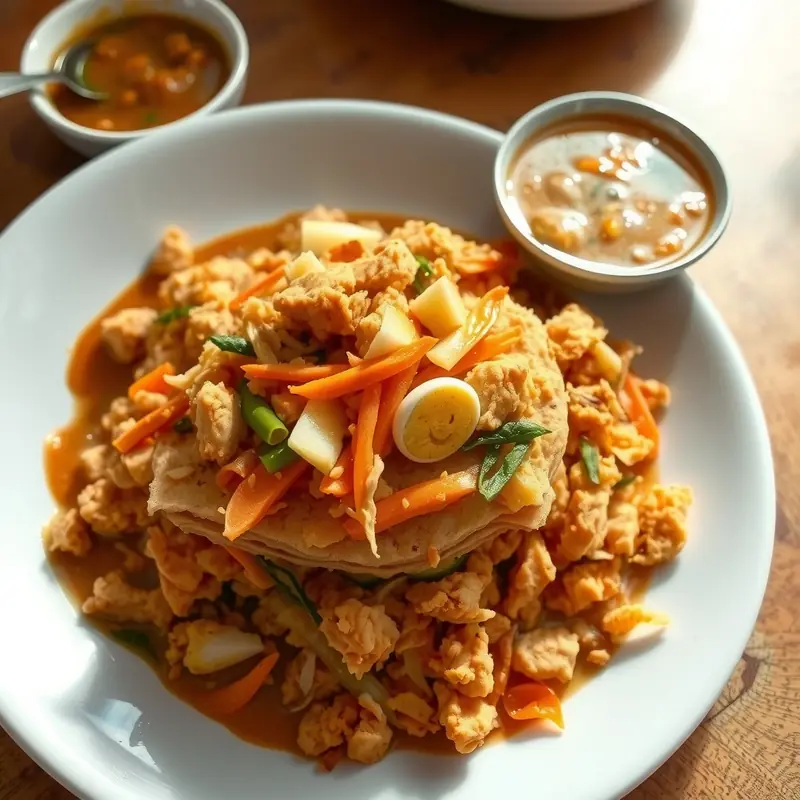
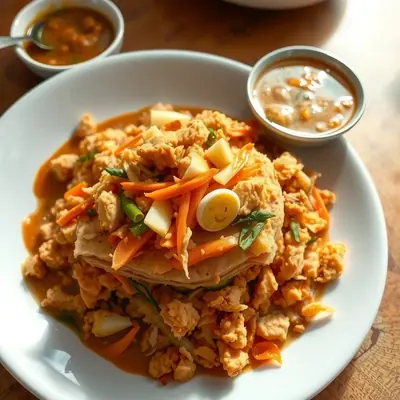
Chicken kottu roti piled on a plate
Kottu
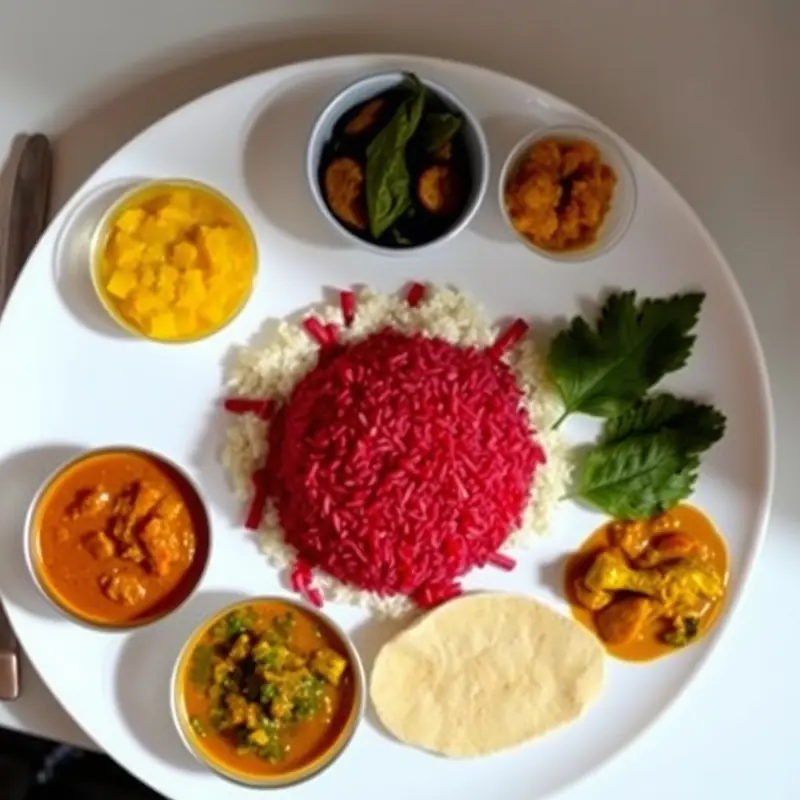
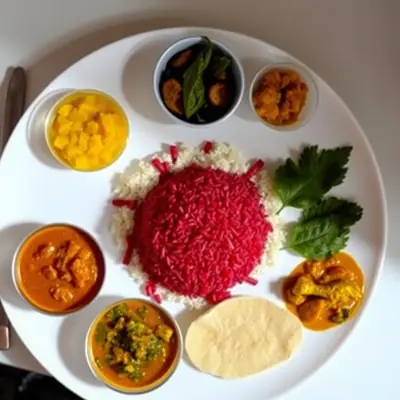
Rice and curry with dhal, mallung and papadam
Rice & curry
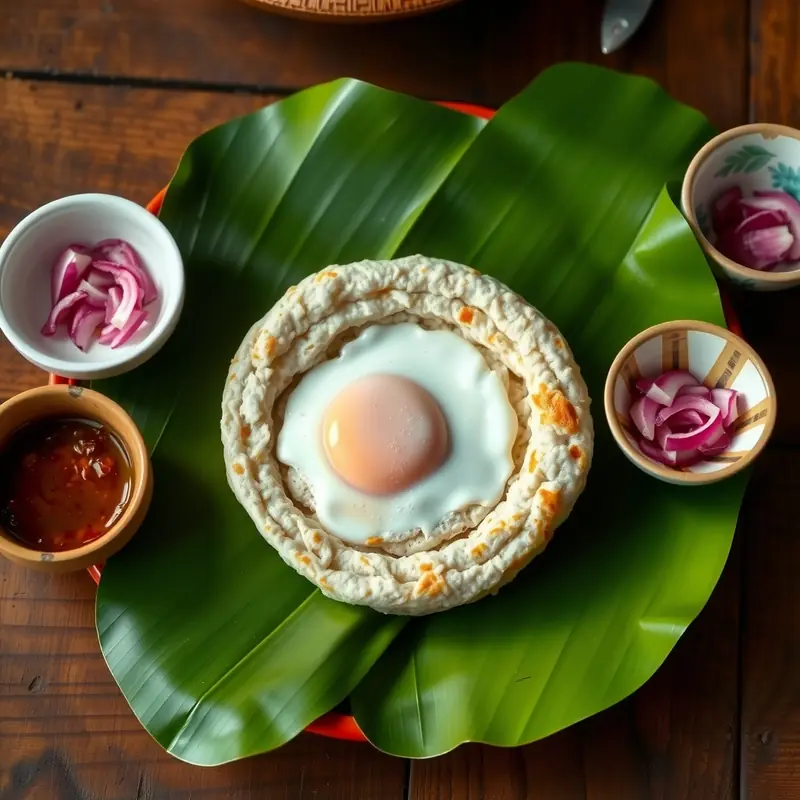
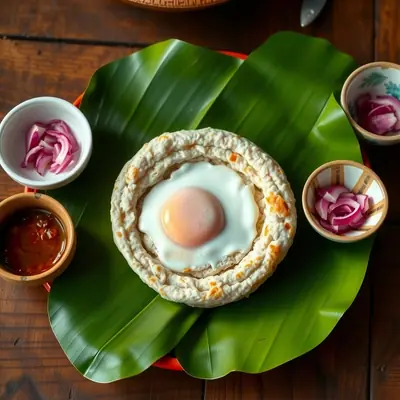
Egg hopper on a banana leaf with sambol
Egg hoppers
Ceylon milk tea by a window overlooking tea hills
Milk tea
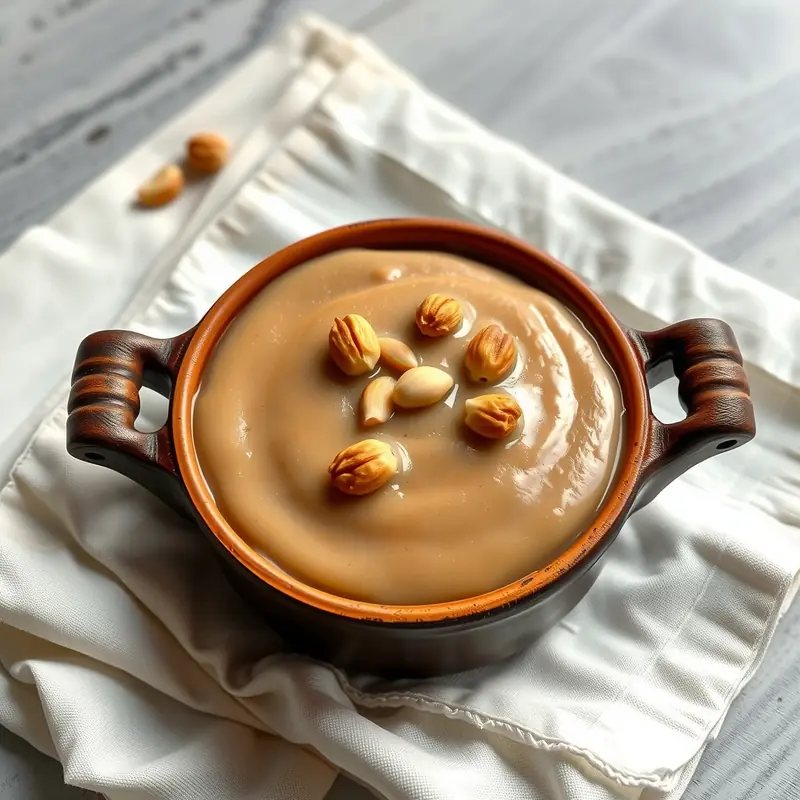
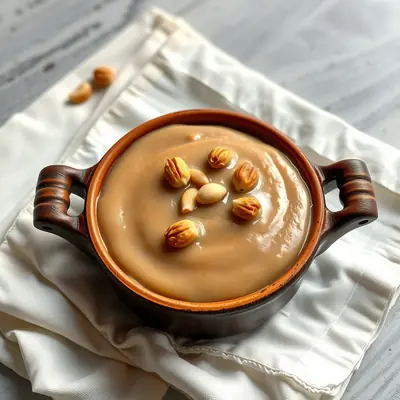
Watalappan custard with cashews in a clay pot
Watalappan

Illustrative food imagery created for Dineqora. Not photos of customer venues.

How it works

Three steps. No app.

Everything runs in the phone's browser. The table is set by the QR code, so orders always reach the right place.

1

Scan.

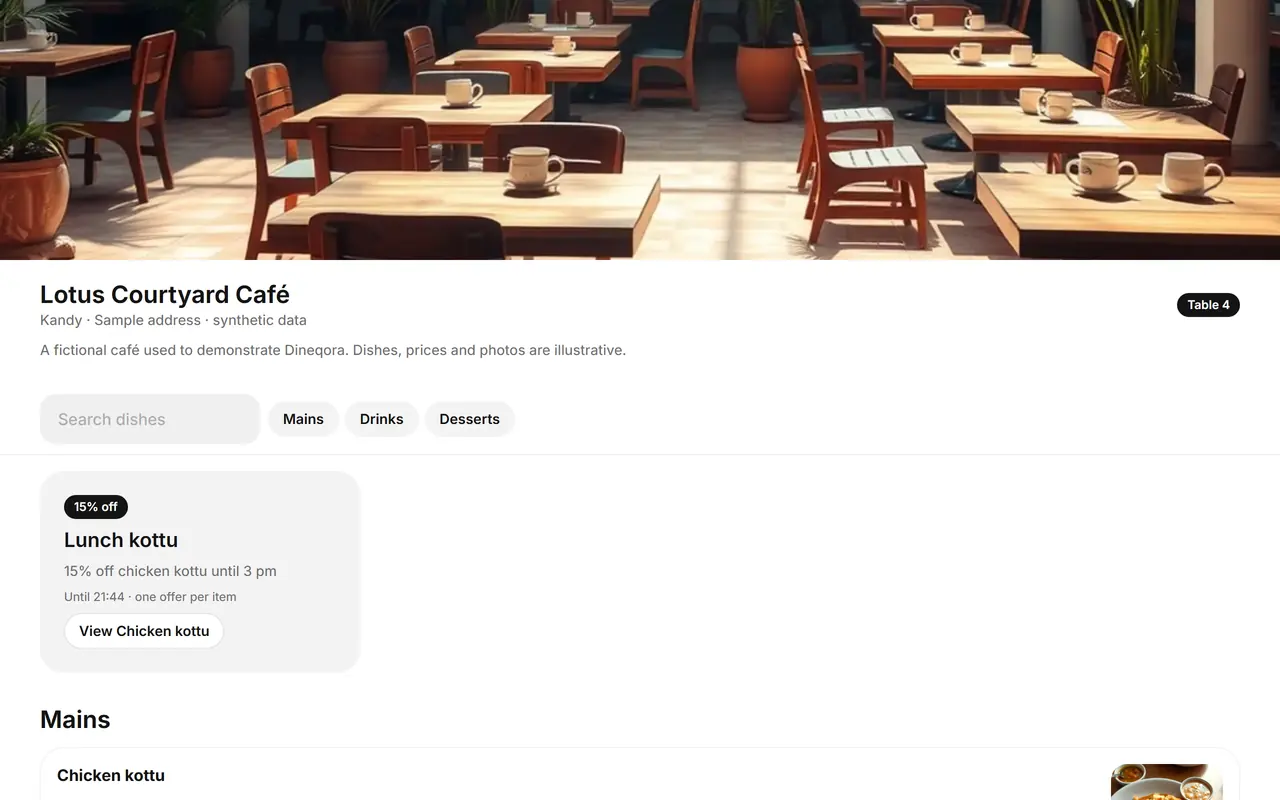
Each table has its own code. Guests open the menu in seconds — the table number is fixed by the code, not typed in.
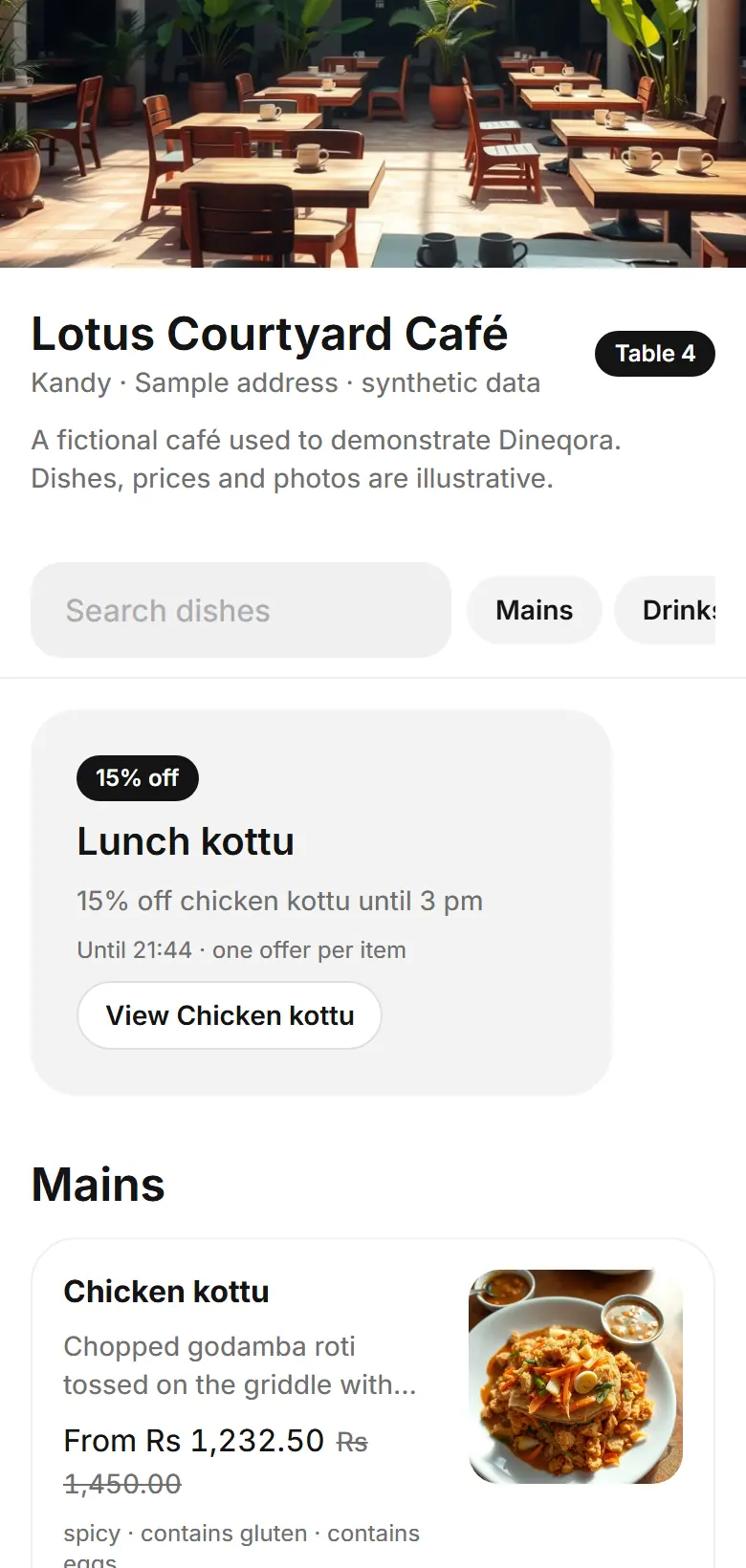
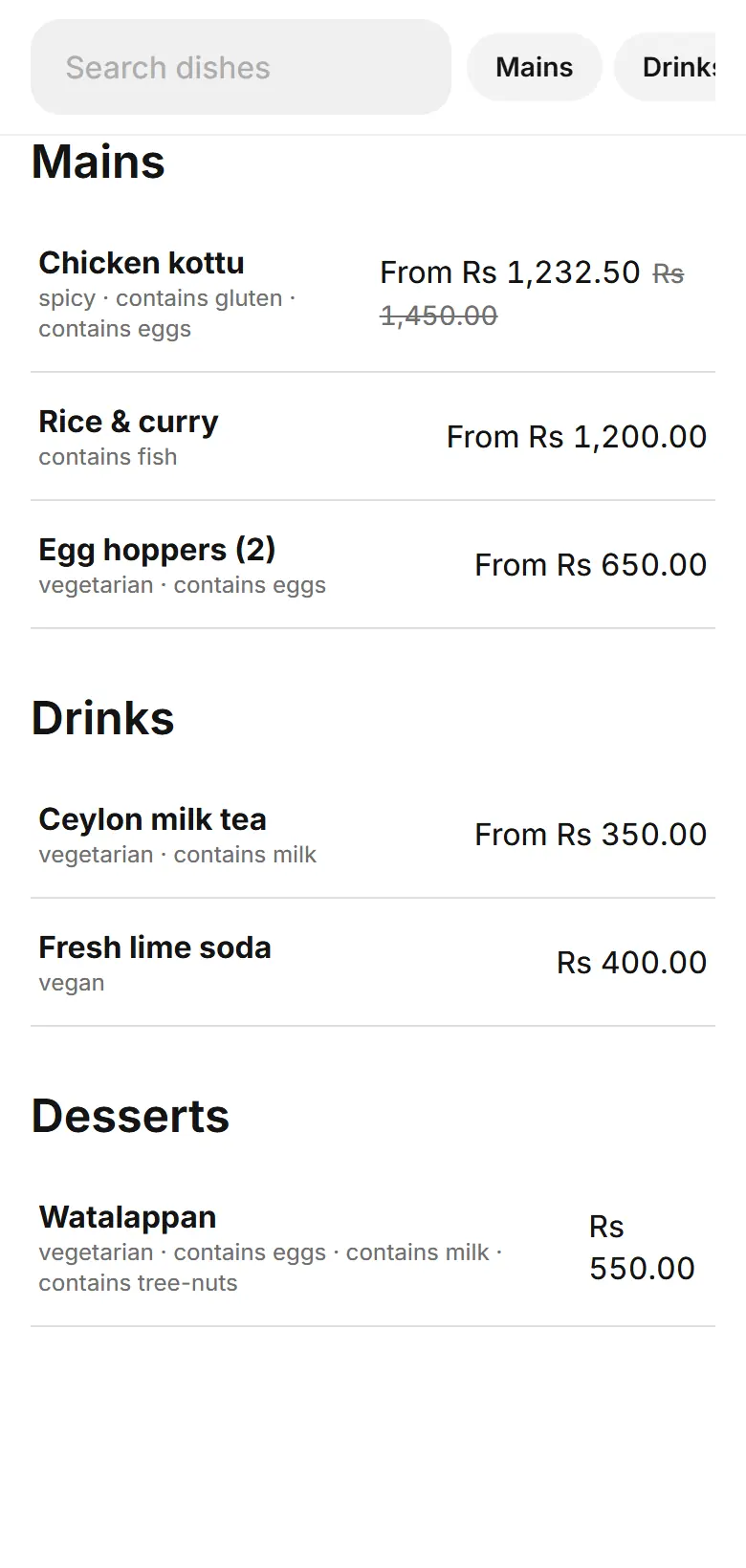
Guest menu with categories, offer banner and dish photos (sample data)
2

Choose.

Sizes, extras and notes with clear prices. Service charge and tax are shown before the guest confirms.
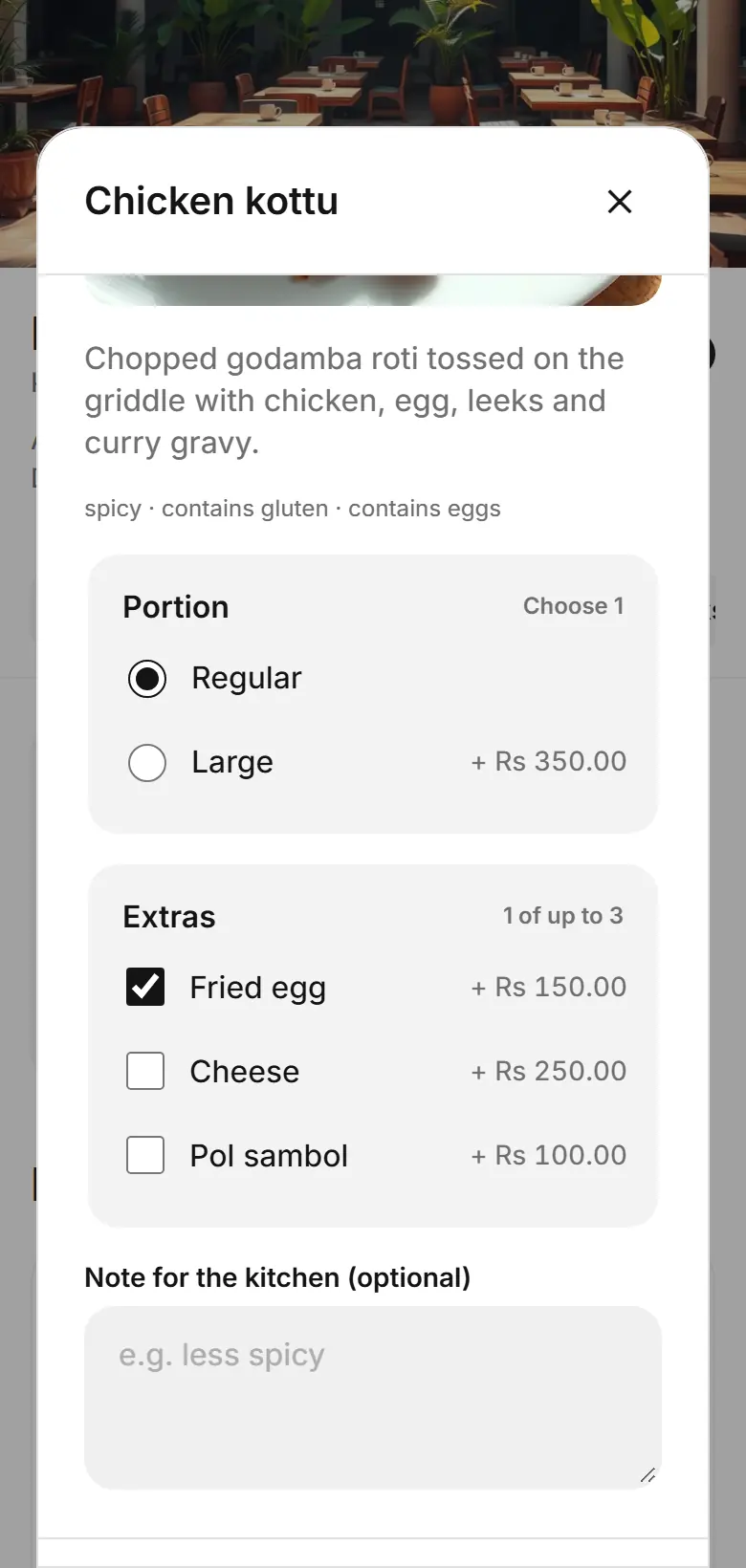
Dish options sheet with portion choice and extras (sample data)
3

Track.

Live status from received to served, plus one-tap requests for a waiter, water or the bill.
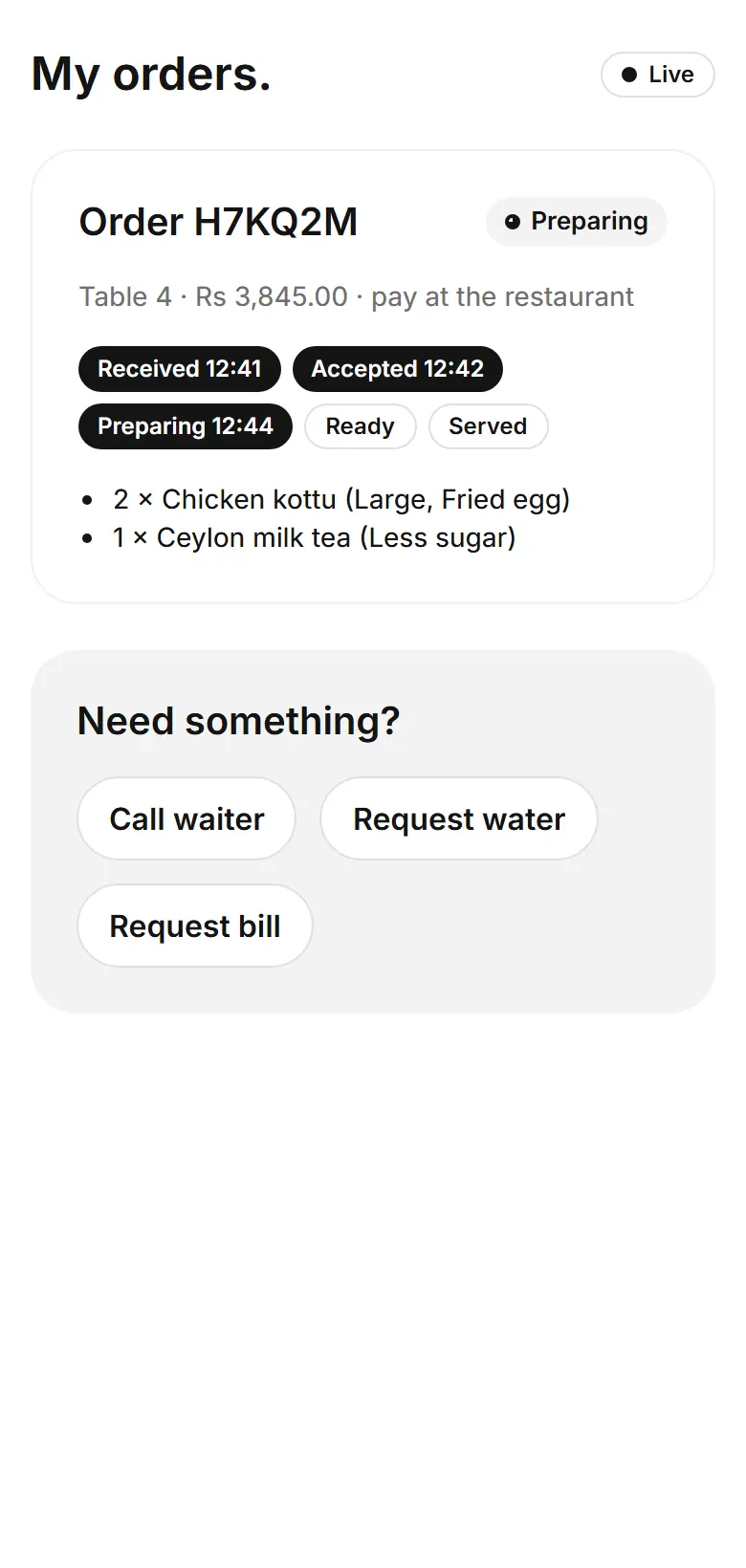
Order tracking timeline with assistance buttons (sample data)
Features

Built for a busy floor.

Plated kottu roti

Menu control.

Change a price, mark a dish sold out or schedule breakfast hours — guests see it on their next tap.
  • Categories, photos, allergens and dietary tags
  • Fixed-price variations and add-ons with min/max choices
  • Scheduled offers on selected dishes, one offer per item
  • Past orders keep the price they were placed at
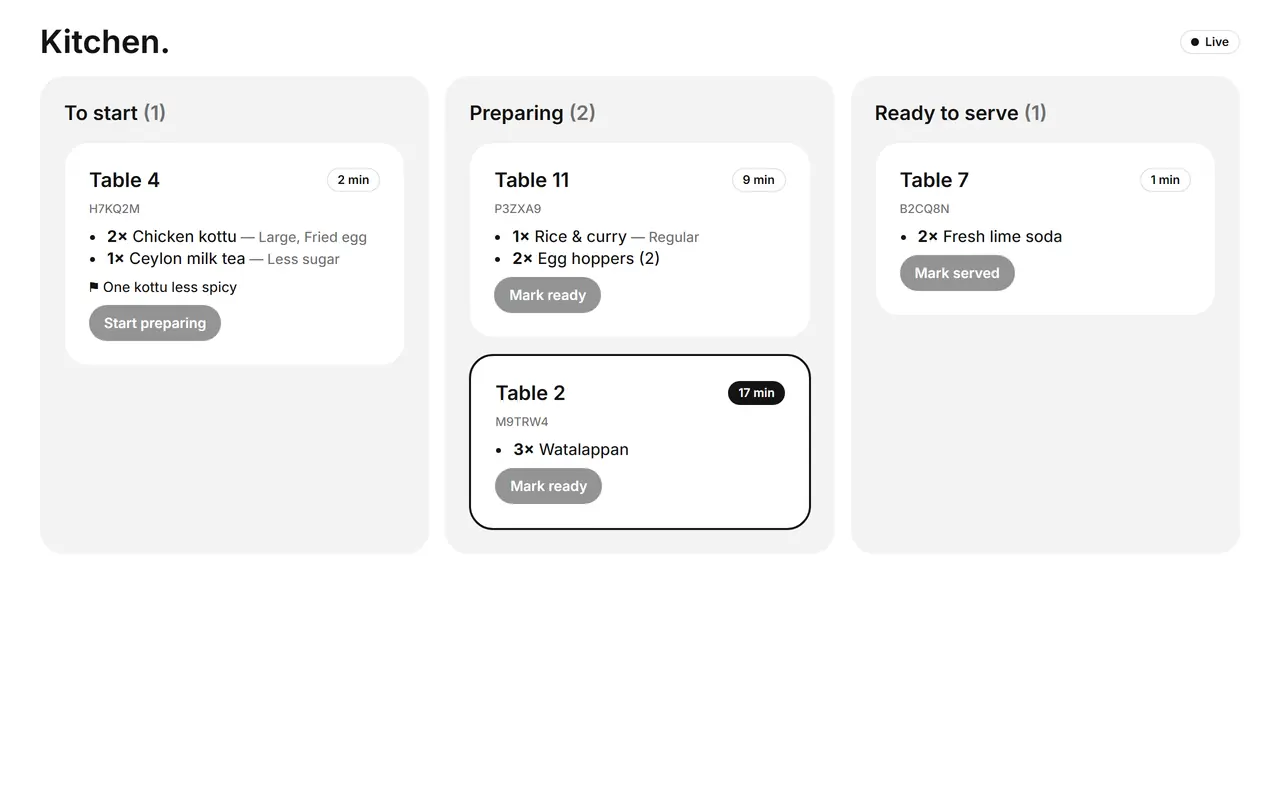
Kitchen board with To start, Preparing and Ready columns (sample data)

Live kitchen flow.

Tickets arrive instantly with table, items and notes. Timers show what is waiting longest.
  • Accept, prepare, ready, served — each role sees its own steps
  • Optional sound alerts, always with on-screen tickets
  • Reconnects automatically if Wi-Fi drops
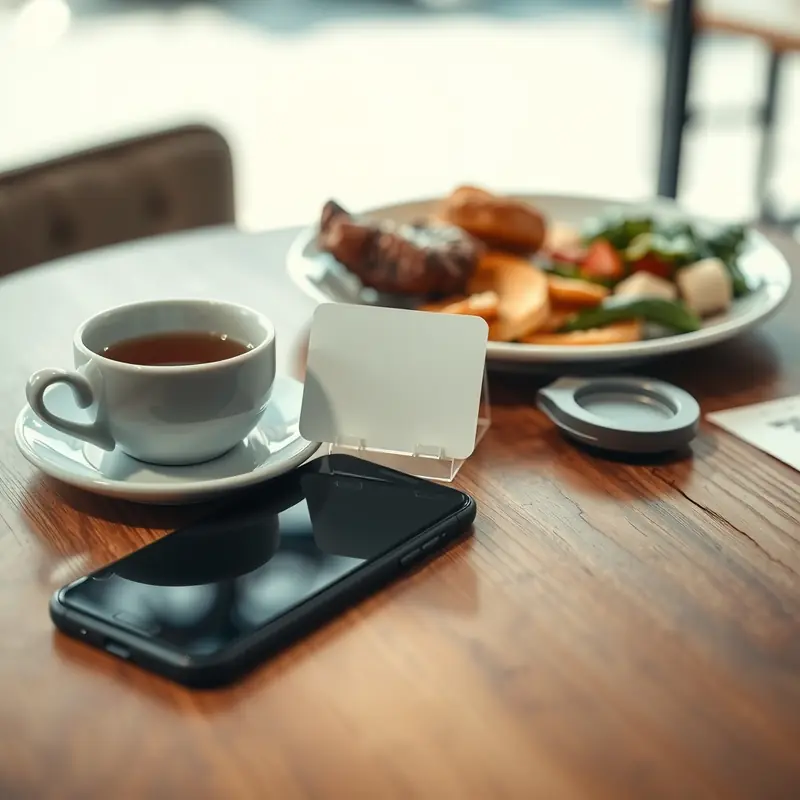
Café table with a table card, tea and a phone

Table service.

Guests call a waiter, ask for water or request the bill without waving across the room.
  • Printable QR sheets in SVG and PNG
  • Replace a code in one click if it is copied or lost
  • Optional “staff opens ordering” for stricter tables
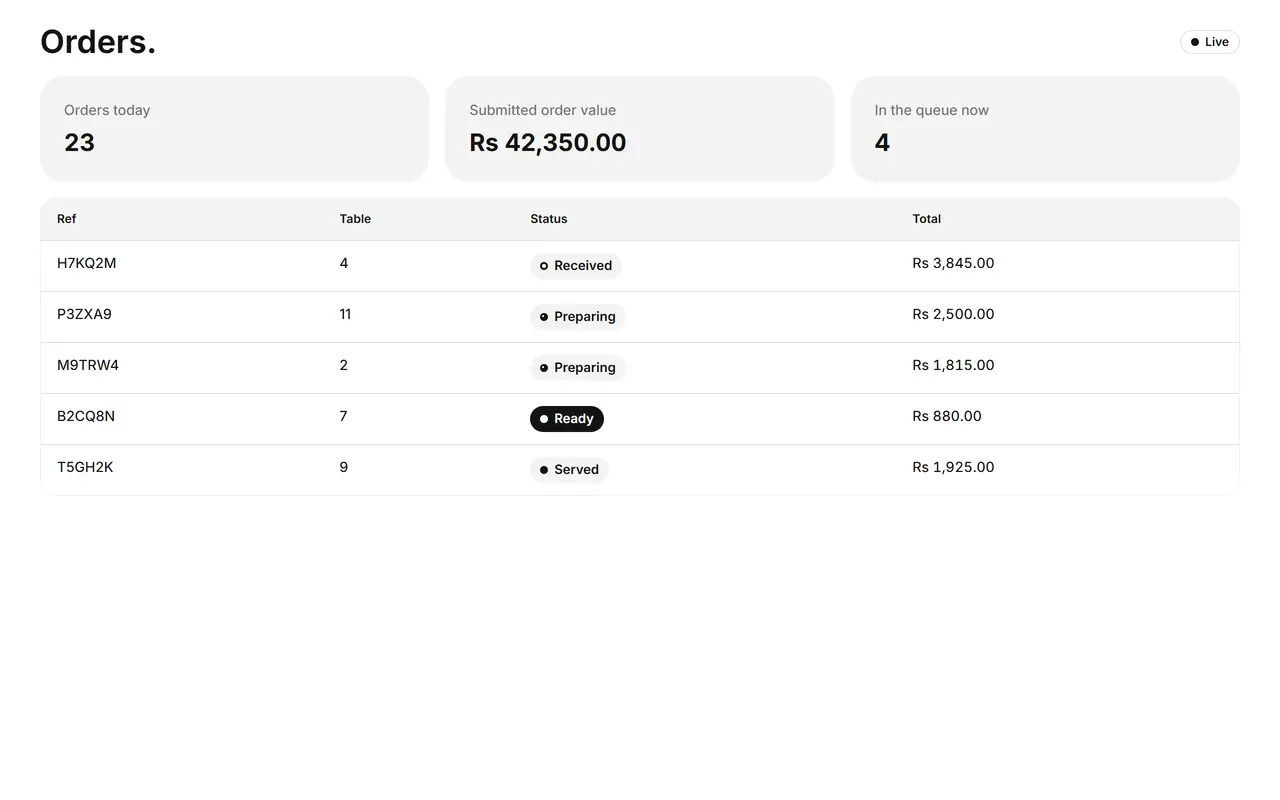
Restaurant portal orders list with daily totals (sample data)

Reporting.

Daily orders, served order value, popular dishes and kitchen timings in Sri Lanka time.

  • Clear definitions — operational order value, not verified cash
  • CSV export with spreadsheet-safe cells, private for 24 hours
  • Staff roles: owner, manager, cashier, waiter, kitchen
Product walkthrough

One system, three screens.

Previews of the real interface with a fictional restaurant and sample data.
Menu templates

Your menu, your look.

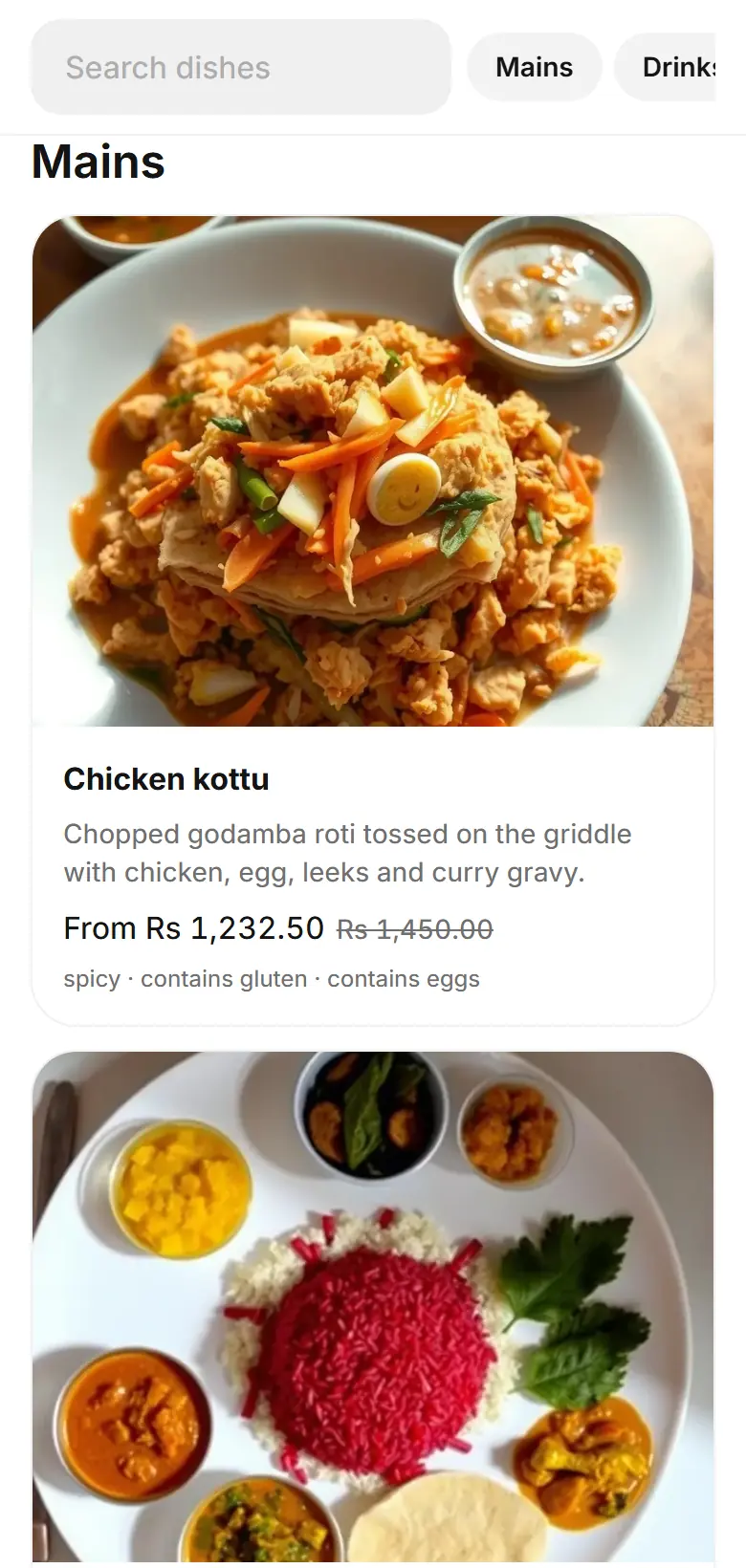
Pick a template, add your logo and cover photo. Every template stays fast and readable on any phone.
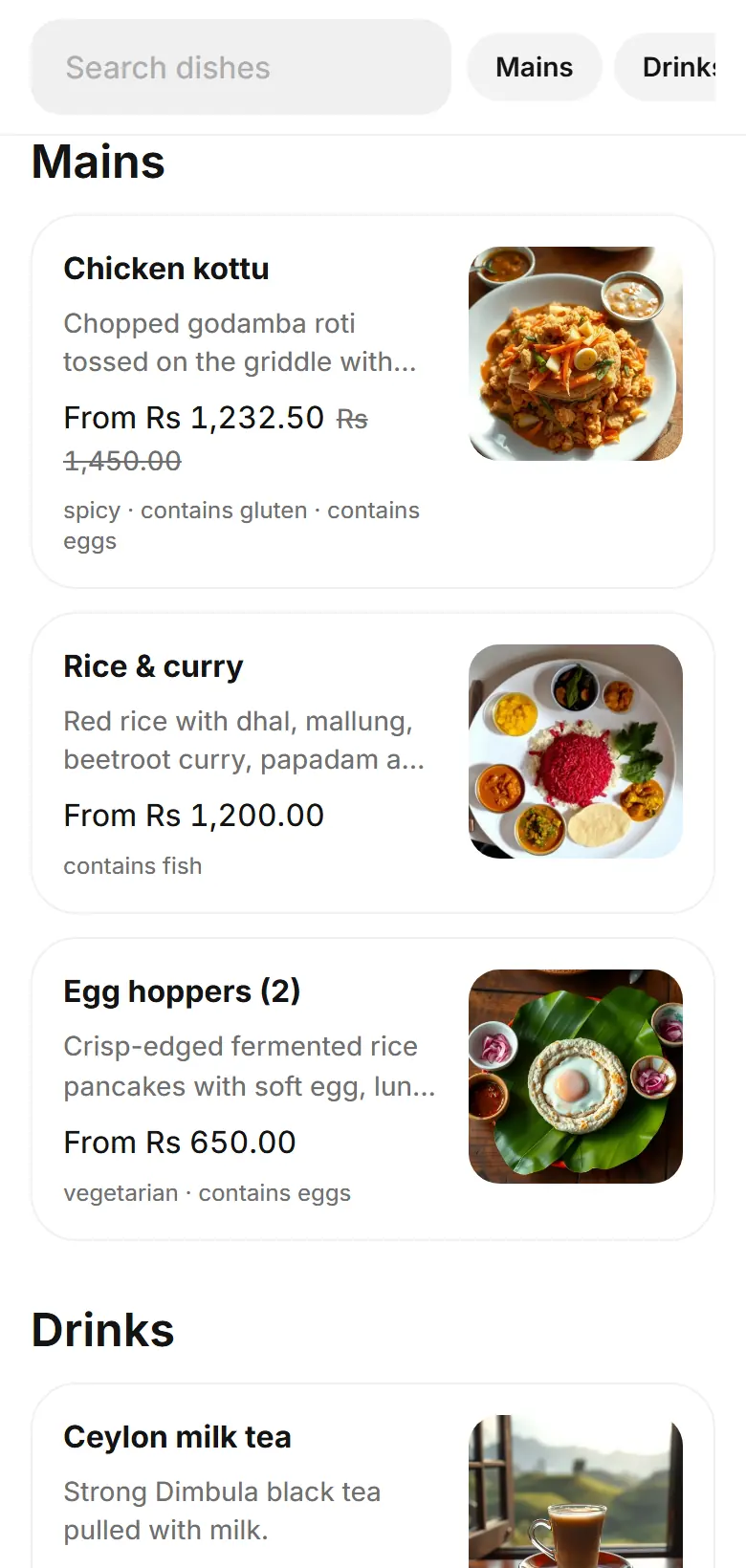
Classic template: list with dish photos
Classic. A calm list with photos.
Gallery template: image-first grid
Gallery. Image-first for visual menus.
Compact template: dense text list
Compact. Dense and quick for long menus.
Pricing

Simple monthly plans.

Every plan includes ordering, live tracking, kitchen, branding, offers and reporting. Limits apply across your whole restaurant. Pay monthly by bank transfer — no commission on orders.

Starter

Rs 4,500per month

For a single café or small restaurant.

  • 1 location
  • 10 active tables
  • 100 active menu items
  • 3 staff accounts (incl. owner)
  • All ordering, kitchen and reporting features
Choose Starter

Business

Contact usmonthly price agreed with you

For hotels and groups with up to three venues.

  • 3 locations
  • 60 active tables
  • 1,000 active menu items
  • 25 staff accounts (incl. owner)
  • All ordering, kitchen and reporting features
Contact us about Business

Prices in Sri Lankan rupees. Business pricing depends on your venues and is agreed with you before activation. Activation is manual after we confirm your bank transfer. Archived tables and items do not count toward limits.

FAQ

Questions, answered.

How do I get started?
Send the contact form. We call you, agree a plan and share bank transfer details. Once your payment is confirmed we activate your restaurant and hand over a one-time password for the owner account — usually the same day.
How do renewals work?
Plans run one calendar month at a time. We remind you in your portal 7, 3 and 1 days before renewal. After the paid date there is a 7-day grace period where ordering keeps working.
What happens if a subscription expires?
After the grace period, guests can still browse your menu but cannot place new orders. Orders already in progress stay manageable, and nothing is deleted. Renew and ordering resumes immediately.
Do guests need an app or an account?
No. Guests use their phone's browser after scanning the table code. There is no sign-up and no app to install.
Do guests pay through Dineqora?
No. Dineqora does not take card details or process diner payments. Guests pay at the restaurant as usual; “Request bill” simply asks staff to bring it.
Does it need internet?
Yes — guests need mobile data or your Wi-Fi, and staff screens need a connection. If a staff device loses connection briefly, it reconnects and catches up automatically.
How do staff accounts work?
The owner creates accounts for managers, cashiers, waiters and kitchen staff, each limited to the locations you choose. Staff sign in with your restaurant address, a username and their own password.
What about privacy?
Guests are anonymous — we do not ask for names or phone numbers to order. Each phone sees only its own orders, even at a shared table. Owner contact details are encrypted. Read the privacy notice.
Can someone order with a photo of my QR code?
A copied code can open the menu remotely, so orders are rate-limited and you can replace a table's code in one click. For stricter control, turn on “staff opens ordering” so a table only accepts orders after staff unlock it.
Contact to activate

Tell us about your venue.

We reply personally to arrange setup and payment. There is no automatic sign-up and no card checkout.

Email or phone — at least one, so we can reach you.

Please do not send ID documents or bank details.